DLT-Approved SMS Template Examples for India
How to write a DLT-approved SMS template in India: structure, typed variable tags, and examples for OTP, orders and offers, plus why templates get rejected.
DLT-Approved SMS Template Examples for India
A DLT template is approved when it is one clear message, written exactly as you will send it, with your brand name, the right category and a typed variable tag for every changing value. Most rejections are not about the idea. They come from vague wording, the wrong category, untagged variables or links that are not registered.
This guide shows how to write a DLT-approved SMS template in India, with working structures for OTP, order and offer messages, the typed variable tags you need, the reasons templates get rejected and a checklist to run before you submit. Ojiva AI runs Bulk SMS and OTP services with guided DLT filing alongside WhatsApp and RCS on one platform. If you want your templates reviewed before you submit them, book a free demo.
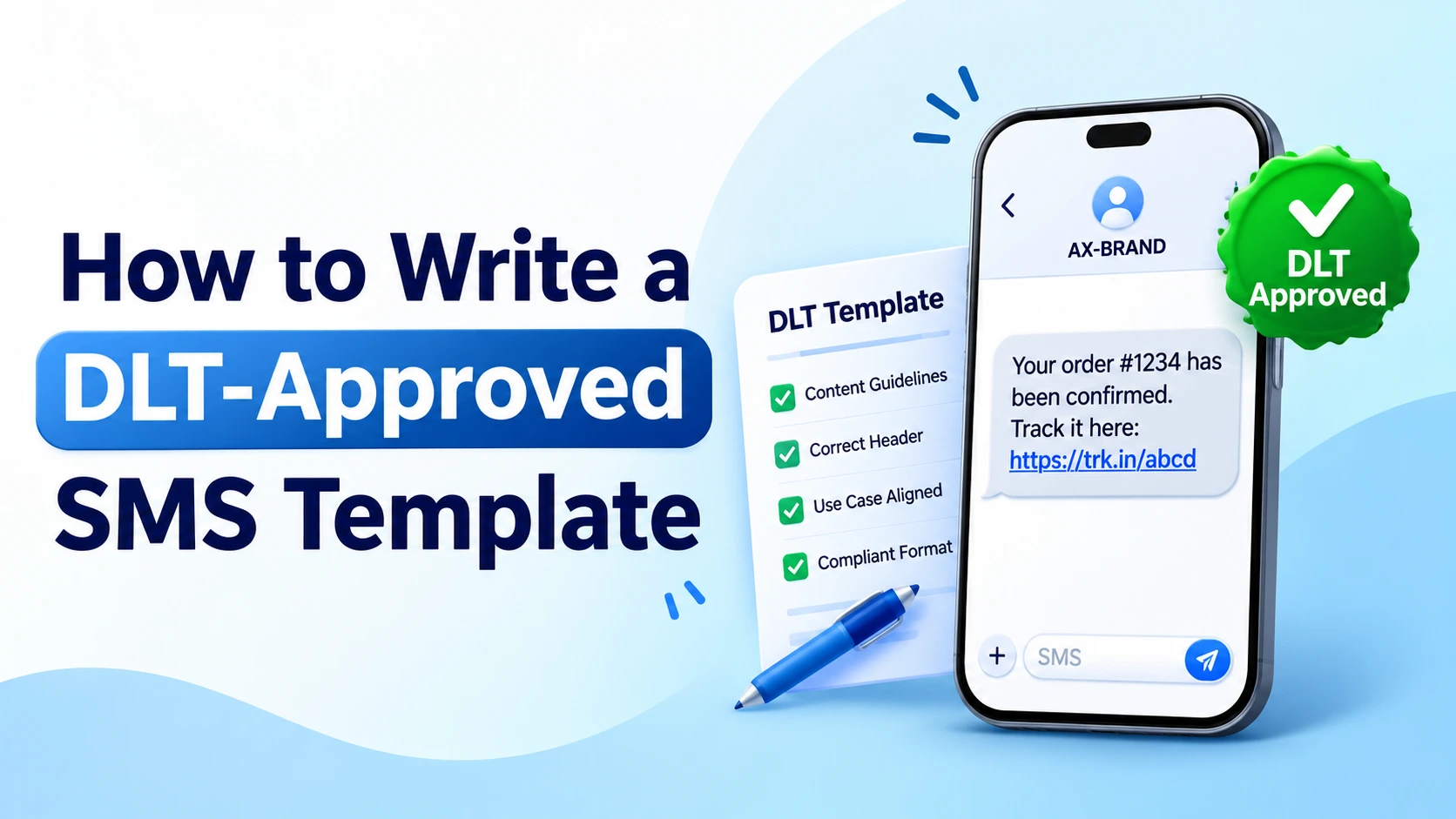
How to Write a DLT-Approved SMS Template: The Short Answer
Every approved template gets six things right. Check each one before you submit.
Want a second pair of eyes on your templates? Talk to Ojiva AI about Bulk SMS and OTP services or book a free demo.
Anatomy of a DLT Template: Fixed Text and Variables
A DLT template is the approved wording of a message, with fixed text and slots for the values that change. The portal compares each message you send with it, so the template and the message must agree. Our step-by-step DLT guide covers entity and sender ID registration, and our guide to DLT registration charges in India explains who sets the fee.
Choose the Right Category First
The category decides the rules your template follows, including timing and DND. Choose it before you write the text, and write the text to fit it.
OTP SMS Template Examples (Transactional)
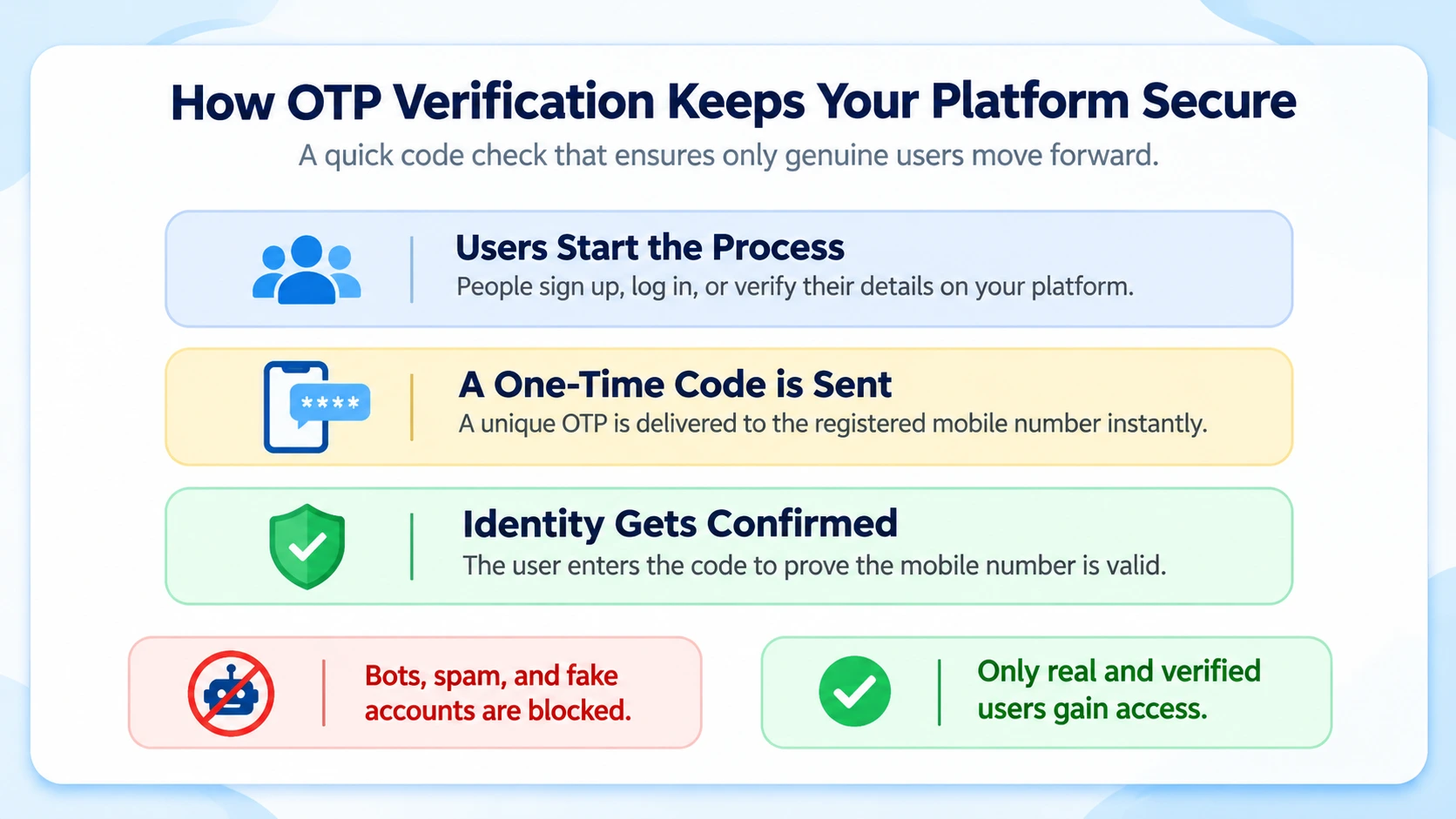
An OTP template is short, names your brand and does one job. Register it under the transactional category, and keep offers out of it. Replace [Brand name] with the brand name on your registered sender ID. Our guide to the OTP SMS service in India covers delivery and security.
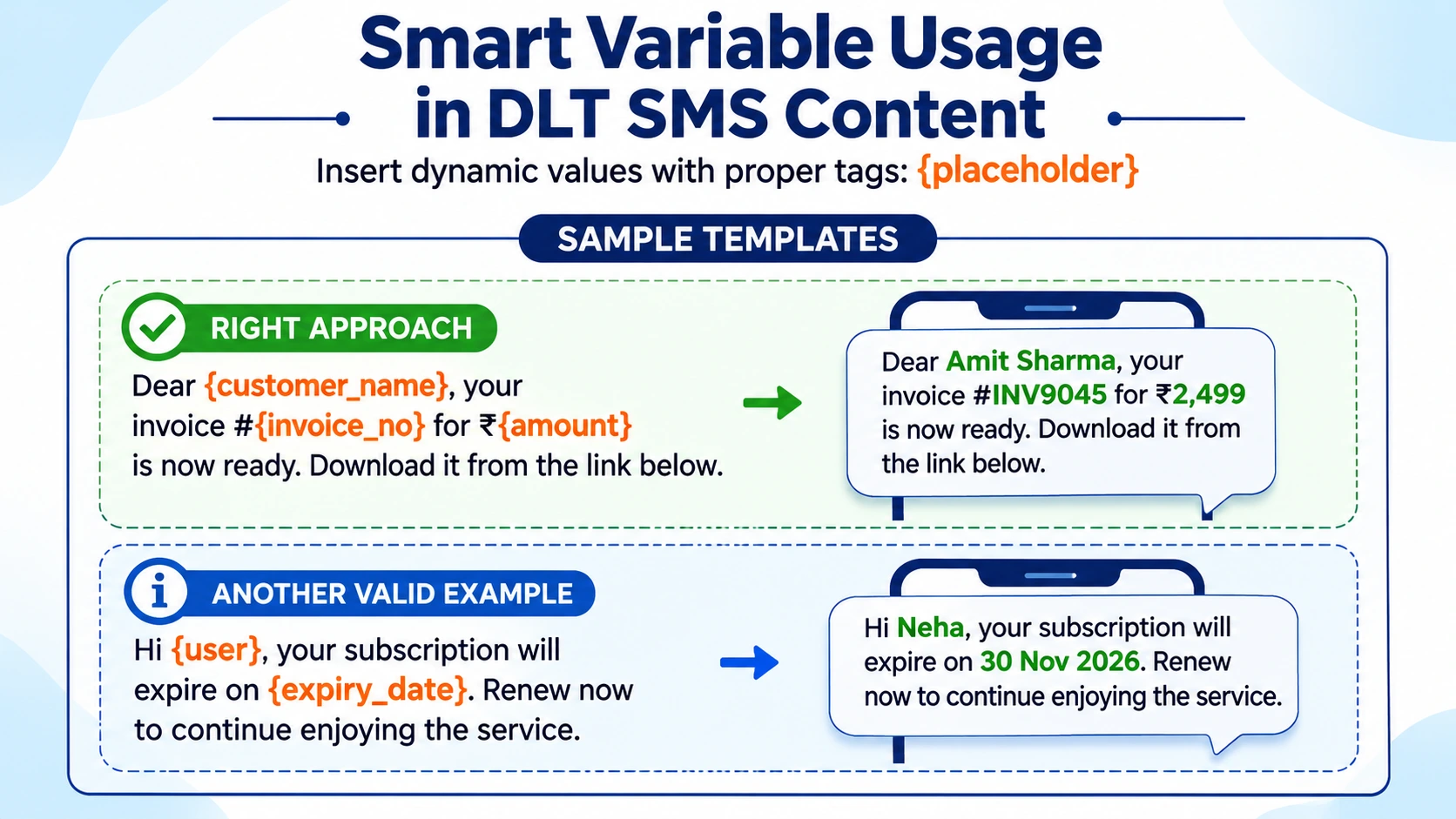
Order SMS Template Examples (Transactional)
Order messages confirm something the customer did, so keep them factual. No offers, no upsell. See our guide to abandoned cart SMS and order confirmation SMS for the full lifecycle.
Offer SMS Template Examples (Promotional)
Offers and cart reminders are promotional. Use a promotional template and header, scrub against DND, send inside the 9 AM to 9 PM window and keep the offer honest.
Check your date format against your portal's rules. If a date does not fit the tag, write it a different way, for example in words.
Why DLT Templates Get Rejected
Most rejections have an ordinary cause. Knowing the common ones saves a resubmission.
Checklist: Run This Before You Submit
Run through this list for every template. It takes two minutes and prevents most resubmissions.
Approval time varies by operator, so ask your provider for a realistic estimate.
How Ojiva AI Helps With DLT Templates
Ojiva AI is a Bengaluru (Bangalore) based CPaaS company and Meta Business Partner offering Bulk SMS, WhatsApp Business API, RCS, AI voice and OTP on one platform. Here is how that maps to the steps above.
Conclusion: Write It Once, Write It Right
A good template is simple: one purpose, the right category, your brand name, a typed tag for every variable and a registered link. Write the text exactly as you will send it, run the checklist, then test the delivery report after approval.
To have your templates reviewed before you submit them, book a free demo with Ojiva AI and we will map your messages, categories and variables together. You can also read about our Bulk SMS and OTP services. Get this right, and every DLT template you register becomes a message that is approved, delivered and trusted. Conversations that convert start with a message that arrives.
Frequently Asked Questions
Write the message exactly as you will send it, with fixed text and a typed variable tag for each changing value. Name your brand in the text, keep one purpose per template, register it in the right category and make sure any link is whitelisted. Then submit it on your DLT portal and send only text that matches the approved version.
Guides report that TRAI directed new templates created from 14 January 2026 to tag every variable with a data type, replacing the old generic tag. The commonly listed tags are numeric, alphanumeric, url, urlott, cbn and email. Confirm the current list on your own DLT portal, because platforms may differ in detail.
Use the numeric tag for the code, because an OTP is a number, and keep the rest of the message fixed: your brand name, a validity period and a do-not-share line. Keep marketing text out of OTP templates, and register the template in the transactional category.
Common causes are the wrong category, a missing brand name, generic or untagged variables, marketing text mixed into a transactional template, an unregistered link, or text that does not read as a single clear message. Fix the cause, resubmit and check the reason your portal or provider gives for the rejection.
It varies by operator and by how clearly the template is written, so no honest provider can promise a fixed time. Delays are most often caused by wrong categories or unclear variables. Ask your provider for a realistic estimate for your first submission.
Guides report that the generic tag is being phased out for new templates, and that existing templates were given time to move to typed tags. Do not assume your old templates will keep working indefinitely. Check your portal's current rules and update older templates to typed tags.
Guides say templates should include your brand name, so recipients know who is messaging them, and it helps approval. Use the same brand name as your registered sender ID so the two match. Confirm any specific requirement on your DLT portal.
Yes, but the link must be whitelisted. TRAI directed that SMS carrying unregistered URLs be blocked, so register every cart, tracking or payment link, and use the url tag for it in the template. Use the exact registered domain or short link when you send.