Abandoned Cart SMS and Order Confirmation SMS: Templates and Rules for Indian E-commerce
Abandoned cart SMS and order confirmation SMS for Indian e-commerce: templates, DLT category rules, link whitelisting, DND timing and consent. Book a free demo.
Abandoned Cart SMS and Order Confirmation SMS: Templates and Rules for Indian E-commerce
Abandoned cart SMS and order confirmation SMS do two different jobs: one brings a shopper back to checkout, the other reassures a buyer who has already paid, and in India they follow different DLT rules. Treat them as one kind of message and you risk rejected templates, blocked links and customers who stop trusting your texts.
This guide shows how to write both, with template structures you can adapt, and explains the rules that decide whether they deliver: category, DLT templates, link whitelisting, DND and timing, and consent, for online stores and D2C brands across India. Ojiva AI runs Bulk SMS with guided DLT filing alongside WhatsApp and RCS on one platform. If you want a plan sized to your order volume, book a free demo.
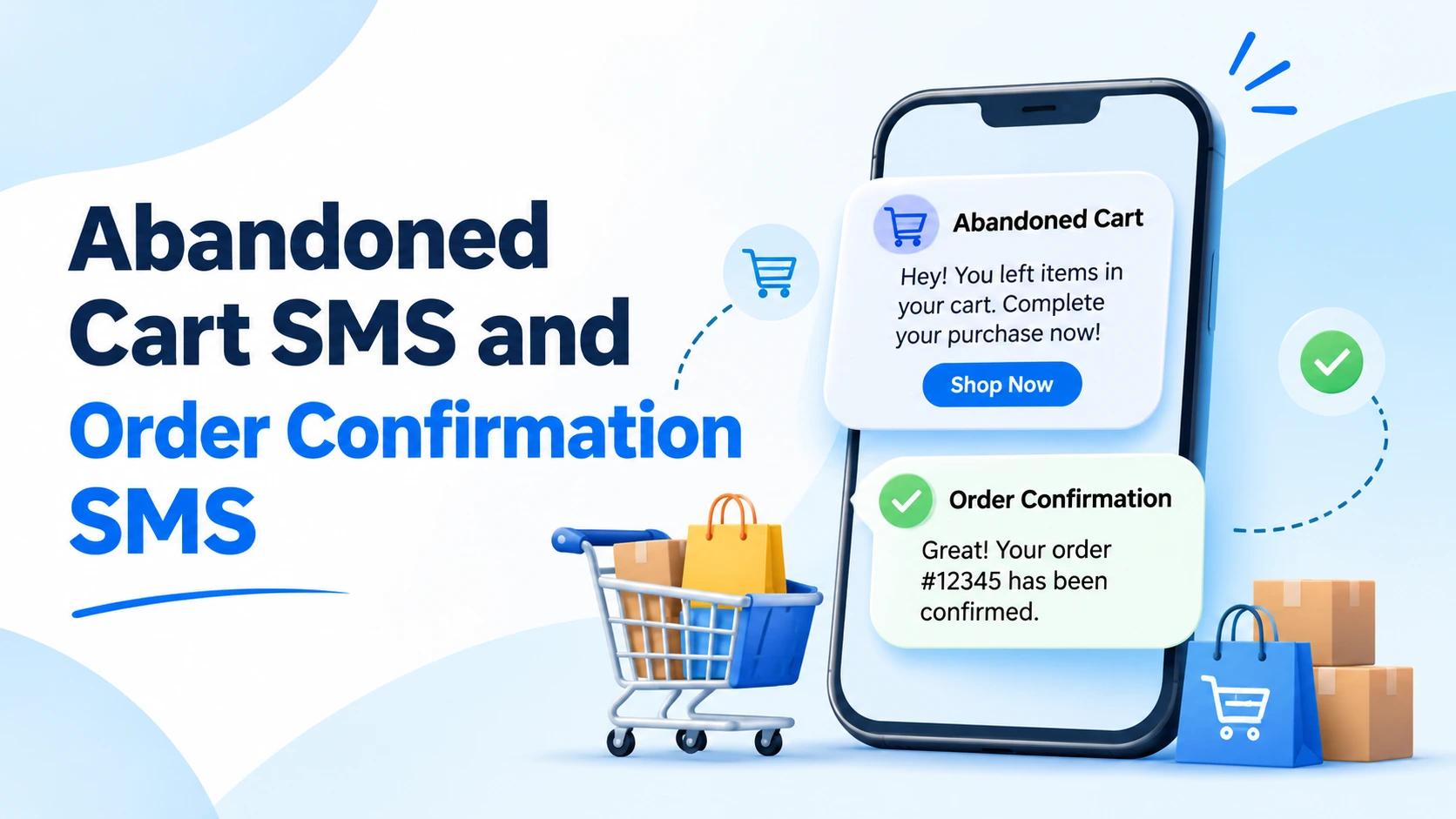
Abandoned Cart SMS and Order Confirmation SMS: The Short Answer
Keep the two message types separate, register each under the right category, and respect the rules that follow from that choice.
Want both flows running with DLT help included? Talk to Ojiva AI about Bulk SMS services or book a free demo.
Abandoned Cart SMS vs Order Confirmation SMS: Two Jobs, Two Rule Sets
The simplest way to avoid mistakes is to see how differently the two behave.
Order Confirmation SMS: What to Send and When
An order confirmation is the message customers actually expect. Airtel's published FAQ defines transactional SMS as communication triggered by a transaction the user started, and an order confirmation follows that logic. Keep every order message to one purpose, and send them in the order the customer experiences them.
If you verify cash-on-delivery orders with a code, see our guide to OTP SMS service in India.
Order Confirmation SMS Templates You Can Adapt
Write each template exactly as you will send it, with your brand name and a variable for each changing detail. Use the typed variable tags your DLT portal requires, shown here as [order number] and similar placeholders. These are structures to adapt, not text to copy.
Notice what is missing: no offers, no upsell, no discount codes. The moment you add marketing text, the message stops being a clean transactional template.
Abandoned Cart SMS: How to Bring Shoppers Back
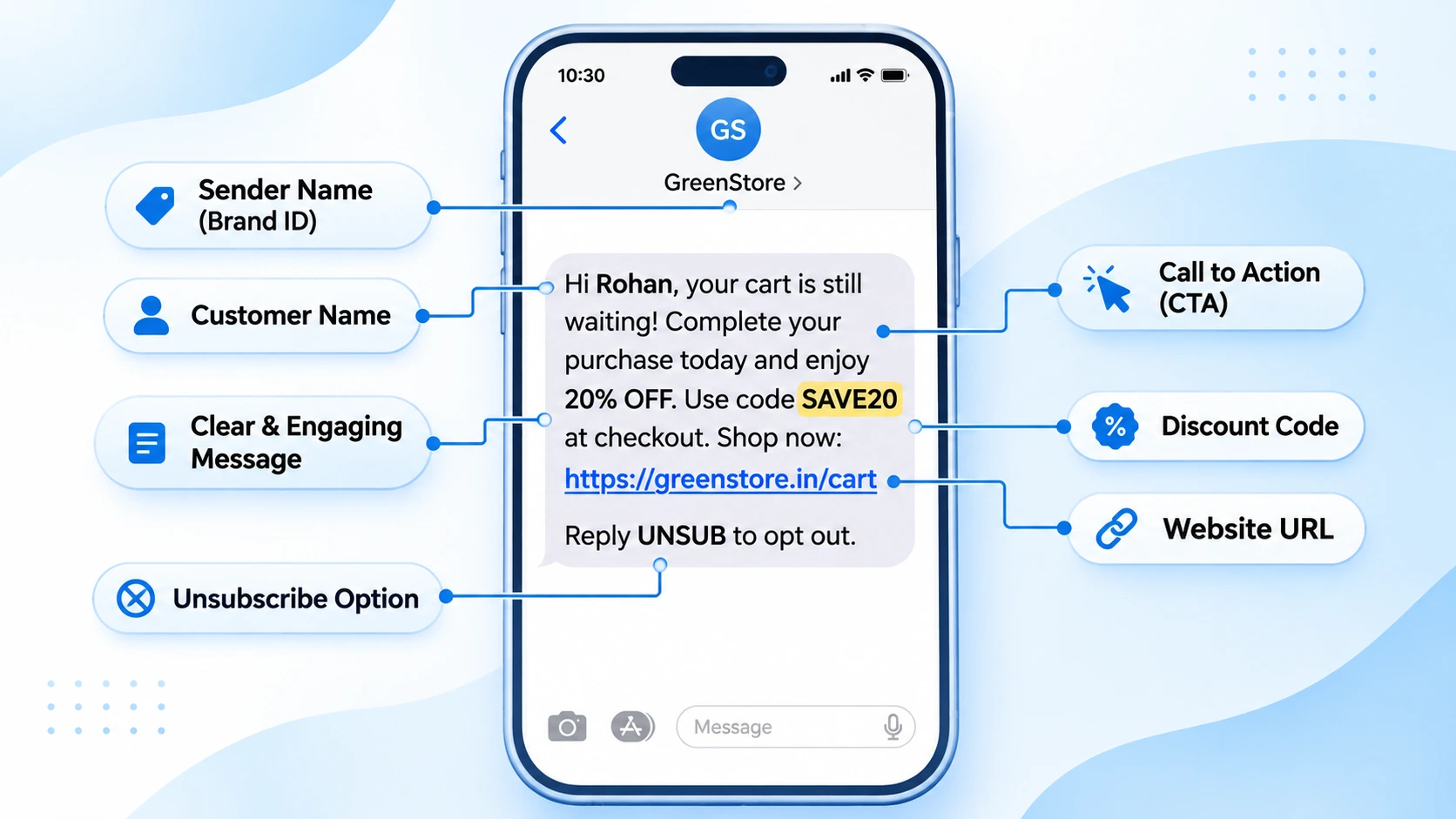
An abandoned cart is a strong buying signal, and a short, helpful text can bring the shopper back. The best reminders feel like help, not pressure.
Abandoned Cart SMS Templates You Can Adapt
Because cart reminders are usually promotional, they use a promotional template and header, and the timing rules apply. Include your brand name and register the link. Again, these are structures to adapt.
Use urgency only when it is true. A message that says stock is low when it is not hurts trust, and invites complaints.
DLT Rules for E-commerce SMS: Category, Variables and Links
DLT is a TRAI requirement for SMS, and e-commerce messages are covered. Our step-by-step DLT guide covers the filing, and our guide to DLT registration charges in India explains who sets the fee. For these two message types, five points matter.
Consent, DND and Timing: What Applies to Cart Reminders
Order confirmations and cart reminders carry different obligations. Treat the reminder as marketing.
This is practical guidance rather than legal advice, so check your own obligations with a qualified professional.
SMS, RCS and WhatsApp for E-commerce Messages
SMS reaches any phone with network coverage, which makes it the baseline for both message types. Add other channels where they help.
What to Measure After You Launch
Start with order confirmations, add cart reminders, then read the results before you scale.
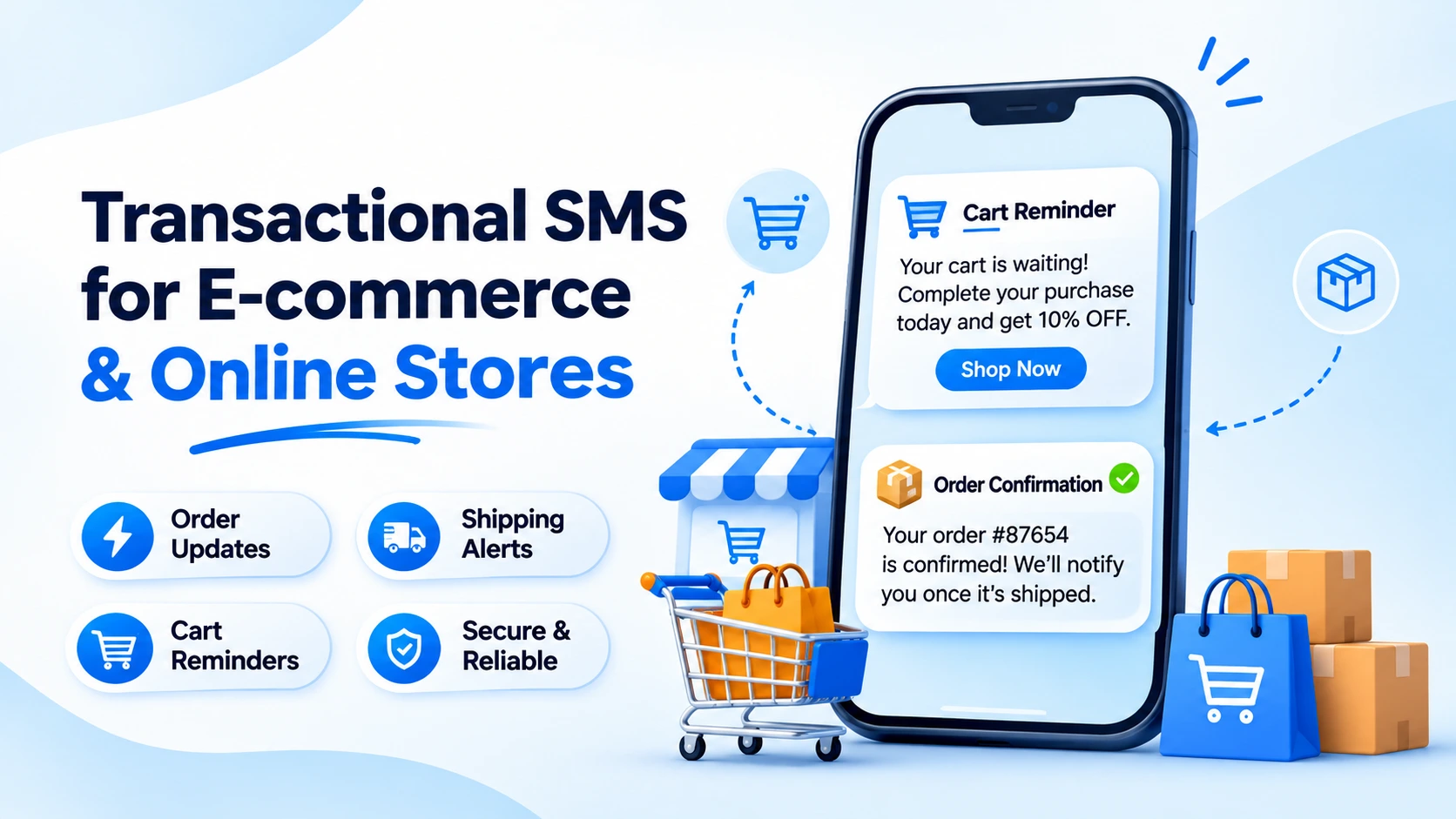
How Ojiva AI Helps Online Stores With Order and Cart SMS
Ojiva AI is a Bengaluru (Bangalore) based CPaaS company and Meta Business Partner offering Bulk SMS, WhatsApp Business API, RCS, AI voice and OTP on one platform. Here is how that maps to the steps above.
Conclusion: Confirm Fast, Remind Gently, Follow the Rules
Order confirmations build trust, and cart reminders recover revenue. Keep them separate, classify each correctly, register your templates and links, respect DND and timing, and collect real consent. Then measure delivery and recovered orders before you scale.
To see how this works for your own store, book a free demo with Ojiva AI and we will map your order events, templates and fallback flow together. You can also read about our Bulk SMS services. Done right, abandoned cart SMS and order confirmation SMS become two of the most dependable messages your store sends. Conversations that convert start with messages customers actually want.
Frequently Asked Questions
Most providers register cart reminders as promotional, because they invite the customer to buy and often carry an offer. Transactional SMS is triggered by a transaction the customer completed, such as a confirmed order. Classify honestly and ask your provider how your operator treats cart reminders, because a wrong category is a common reason for rejection.
Yes, in the usual reading. Airtel's published FAQ defines transactional SMS as communication triggered by a transaction the user started, with a banking OTP as its example. An order confirmation follows the same logic. Keep marketing text out of it, and register it as its own template.
Not if the template is promotional. Promotional SMS in India cannot reach DND-registered numbers and is limited to the 9 AM to 9 PM window, so queue late reminders for the next morning. Transactional messages such as order confirmations follow different timing rules.
Yes. Every business sending SMS in India registers its entity, sender ID and each template on a DLT platform. The message you send must match an approved template, and any link in it must be whitelisted. WhatsApp and RCS follow their own approval rules, but an SMS fallback still needs DLT.
Common causes are the wrong category, unclear variables, marketing text mixed into a transactional template, a missing brand name, or a link that is not whitelisted. Keep each template to one purpose, use the typed variable tags your DLT portal requires, and write the text exactly as you will send it.
Treat cart reminders as marketing. Collect clear consent at checkout, state what customers will receive, give an easy way to opt out, and stop messages once they buy. This also supports the principles of the DPDP Act. This is practical guidance rather than legal advice, so check your own obligations with a qualified professional.
Use SMS as the guaranteed baseline, because it reaches any phone with network coverage. RCS can add images and buttons for customers whose phones support it, and WhatsApp suits customers who prefer chat. Running them from one provider keeps consent, reports and fallback in one place.
Trigger the reminder from your store's cart event, and cancel any queued reminder the moment an order is placed. Check that your system removes the shopper from the sequence for every order, including orders placed from another device. Test this before launch, because a reminder sent after purchase annoys customers.