WhatsApp Business API for Healthcare
WhatsApp Business API for healthcare in India: appointment reminders, report alerts and follow-ups, with template, consent and privacy rules. Book a free demo.
WhatsApp Business API for Healthcare
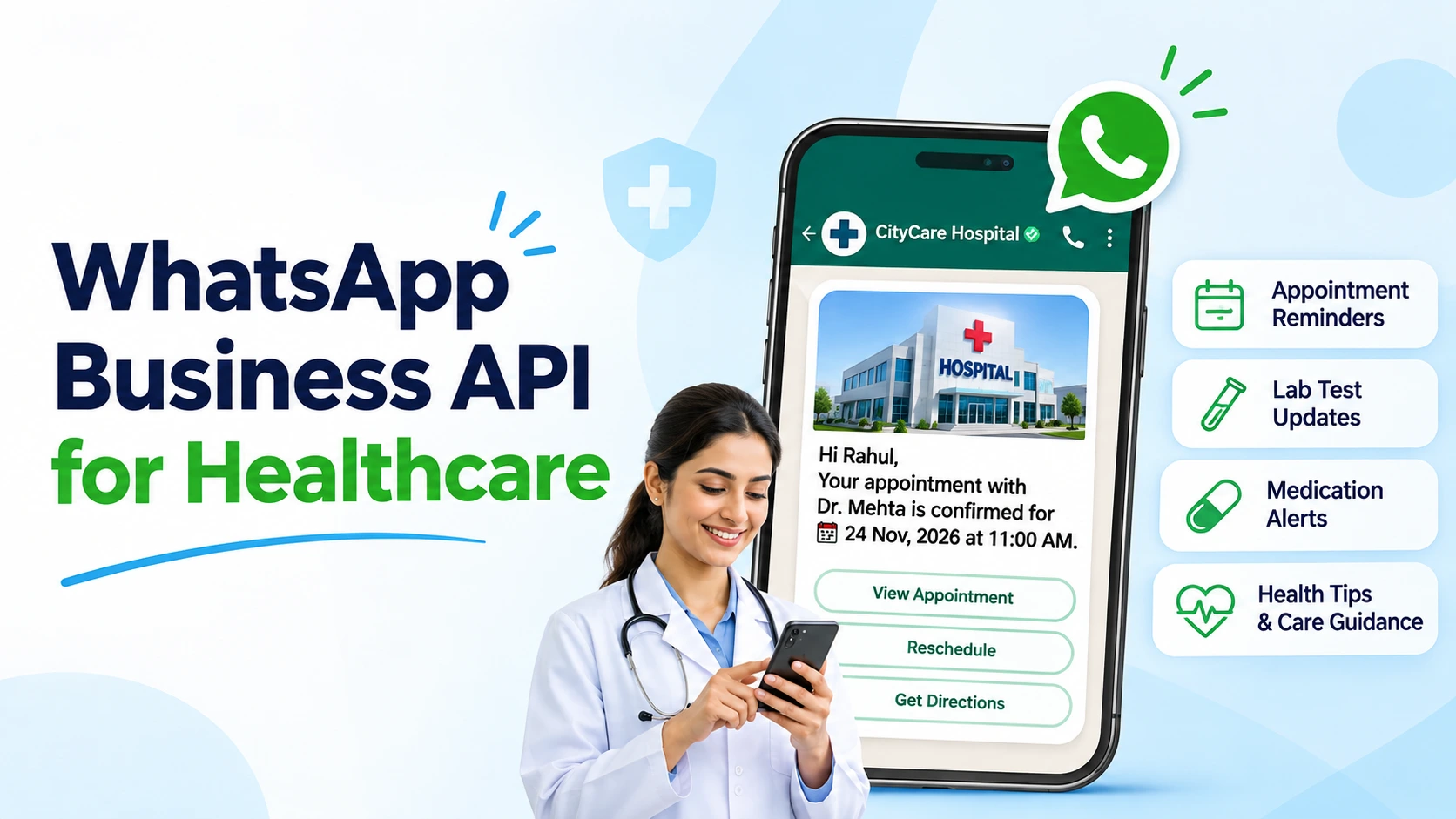
WhatsApp Business API for healthcare lets hospitals, clinics and diagnostic labs send appointment reminders, confirmations and follow-ups on the app patients already use, but the rules are stricter than in most industries. The opportunity is real: fewer phone calls for your front desk and fewer forgotten slots. The risk is real too: health information needs careful handling.
This guide explains what hospitals and clinics in India use the WhatsApp API for, the policy that limits health information, how template categories work, template structures you can adapt, consent, integration with your booking system, SMS and voice fallback, and how to budget. Ojiva AI offers the WhatsApp Business API as a Meta Business Partner, and our healthcare solutions page covers SMS, WhatsApp, RCS and voice for providers. If you want a plan for your own patient flows, book a free demo.
WhatsApp Business API for Healthcare: The Short Answer
Use WhatsApp for scheduling and non-clinical updates, keep clinical information out of messages, and build around consent. Here is the short version.
Want a healthcare messaging plan built around these rules? Talk to Ojiva AI about the WhatsApp Business API or book a free demo.
What Hospitals and Clinics Use the WhatsApp API For
Most healthcare use cases are administrative, and they remove a lot of manual work. Start with the one that costs your front desk the most time.
For a form-style booking experience inside chat, see our guide to WhatsApp Flows.
The Rule That Matters Most: Health Information on WhatsApp
WhatsApp's own Business Messaging Policy sets the limit. It says not to use WhatsApp for telemedicine, or to send or request any health-related information, if applicable regulations prohibit sending that information to systems that do not meet heightened requirements for health data. Read the WhatsApp Business Messaging Policy yourself, and check what applies to you.
This is practical guidance rather than legal advice, so check your own obligations with a qualified professional.
Template Categories for Healthcare: Utility vs Marketing
To message patients first, you need approved templates, and the category you choose decides how they are reviewed and billed. Keep each template to one purpose.
Healthcare Template Structures You Can Adapt
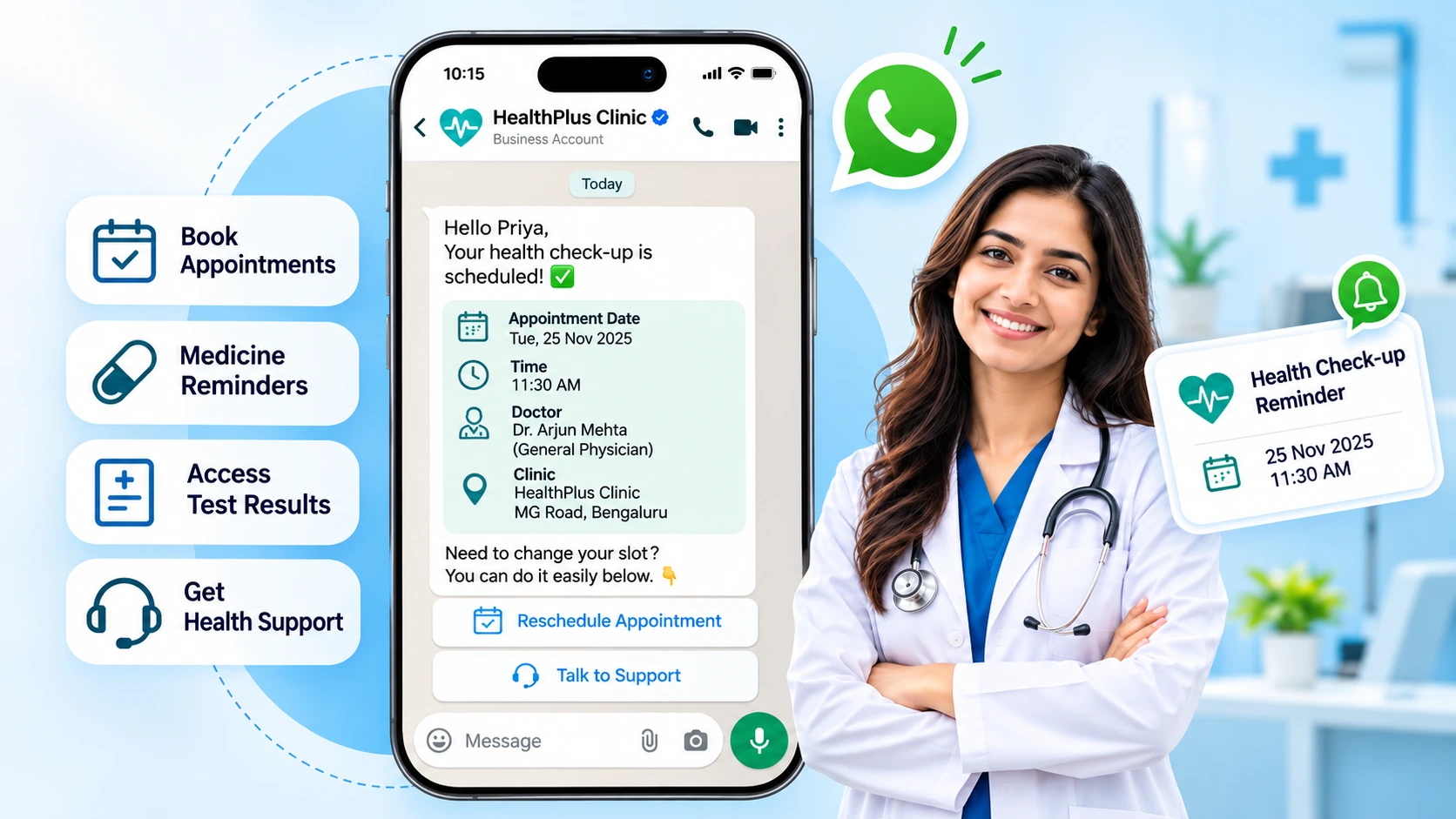
Write each template for one purpose, with clear variables and no clinical detail. The examples below use Meta's numbered variable style, such as {{1}}. They are structures to adapt, and they must be approved by Meta before use.
Consent and Opt-In for Patients
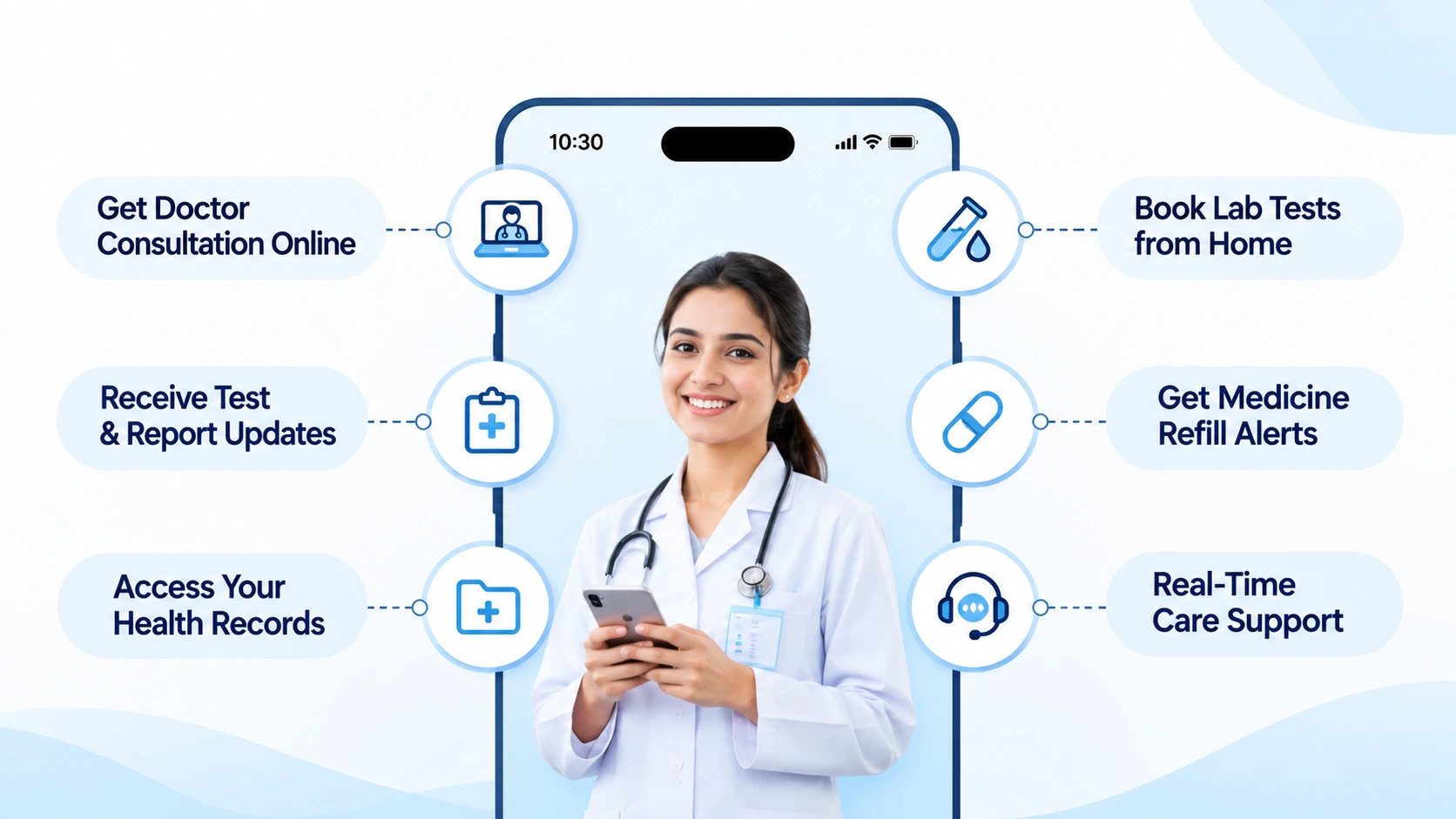
Meta's policy requires opt-in before you message people first. For healthcare, make it explicit and easy to prove.
Connecting WhatsApp to Your Booking and Hospital Systems
The API is most useful when it is connected to the system that already holds your appointments. Reminders then send without anyone typing a message.
WhatsApp, SMS and Voice: Reaching Every Patient
Not every patient uses WhatsApp, and some, including older patients, may prefer a call or a text. Keep a second path so no one misses an appointment.
What to Measure: Baseline First
Measure your own results instead of trusting headline numbers from other sites. Start by recording your no-show rate before you launch, then compare it after.
Cost: Meta's Charges and What Providers Add
Meta bills per delivered template message, based on the template category and the recipient's country, and utility and marketing templates are billed differently. We do not quote rates here, because Meta revises them and your invoice must match the current rate card. Check Meta's official pricing page before you plan volumes.
A written, itemised quote based on your own appointment volumes beats any rate card you find online. Ojiva AI can size one with you on a short demo call.
Common Mistakes to Avoid
Most problems come from a handful of avoidable mistakes.
How Ojiva AI Helps Healthcare Providers Use the WhatsApp API
Ojiva AI is a Bengaluru (Bangalore) based CPaaS company and Meta Business Partner offering the WhatsApp Business API, Bulk SMS, RCS, AI voice and OTP on one platform. Our healthcare solutions page shows how that fits hospitals, clinics and diagnostic labs. Here is how the platform maps to the steps above.
Conclusion: Automate the Admin, Protect the Patient
The WhatsApp API can take a great deal of routine work off your front desk: confirmations, reminders, rescheduling and bill notices. Keep clinical information out of messages, use the right template category, collect clear consent, connect it to your booking system and keep a fallback for patients who are not on WhatsApp. Measure your own no-show rate before and after.
To see how this works for your own hospital or clinic, book a free demo with Ojiva AI and we will map your appointment flow, templates and fallback channels together. You can also read about our WhatsApp Business API and Bulk SMS services. Handled this way, the WhatsApp Business API for healthcare is a careful, practical way to keep patients informed. Conversations that convert start with messages patients agreed to receive.
Frequently Asked Questions
Yes, for non-clinical patient communication such as appointment confirmations, reminders, billing notices and follow-ups, through the WhatsApp Business Platform with approved templates and patient opt-in. WhatsApp's policy limits health information, so keep clinical details out of your messages and check your own regulatory obligations.
Appointment confirmations and reminders are generally utility templates, because they follow something the patient already did. Utility templates must stay informational. If a reminder also promotes a package or offer, Meta can reclassify it as marketing, which changes how it is reviewed and billed. Keep each template to one purpose.
Sending reports as attachments is risky, because WhatsApp's policy says not to send or request health-related information where regulations require stricter handling than WhatsApp provides. A safer approach is a short "report ready" message with a link to a secure, login-protected portal, with no results or diagnosis in the message itself.
Yes. Meta's policy requires opt-in, and the DPDP Act points the same way with clear consent, a stated purpose and easy withdrawal. Collect consent at registration or booking, say which message types patients will receive, keep a record, and honour opt-outs. This is practical guidance rather than legal advice.
WhatsApp's policy says not to use it for telemedicine or to send or request health information where applicable regulations prohibit distributing it to systems that do not meet heightened requirements. Use a dedicated telehealth system for consultations, and use WhatsApp for scheduling, reminders and non-clinical updates.
Yes. The app suits very small clinics chatting from a phone. The API connects to your booking or hospital system, sends approved templates automatically, supports a shared inbox for several staff and keeps records in your own systems. Our guide on the WhatsApp Business app vs the API covers the difference.
No. DLT registration under TRAI's rules applies to SMS. WhatsApp follows Meta's template approval and opt-in policies. If you add an SMS fallback for patients who are not on WhatsApp, that SMS still needs your DLT entity, sender ID and approved template.
Meta bills per delivered template message, by category and the recipient's country, and utility and marketing templates are billed differently. Check Meta's official pricing page for current rates, and ask any provider for an itemised quote that separates Meta's charges from platform fees and says whether GST is included.